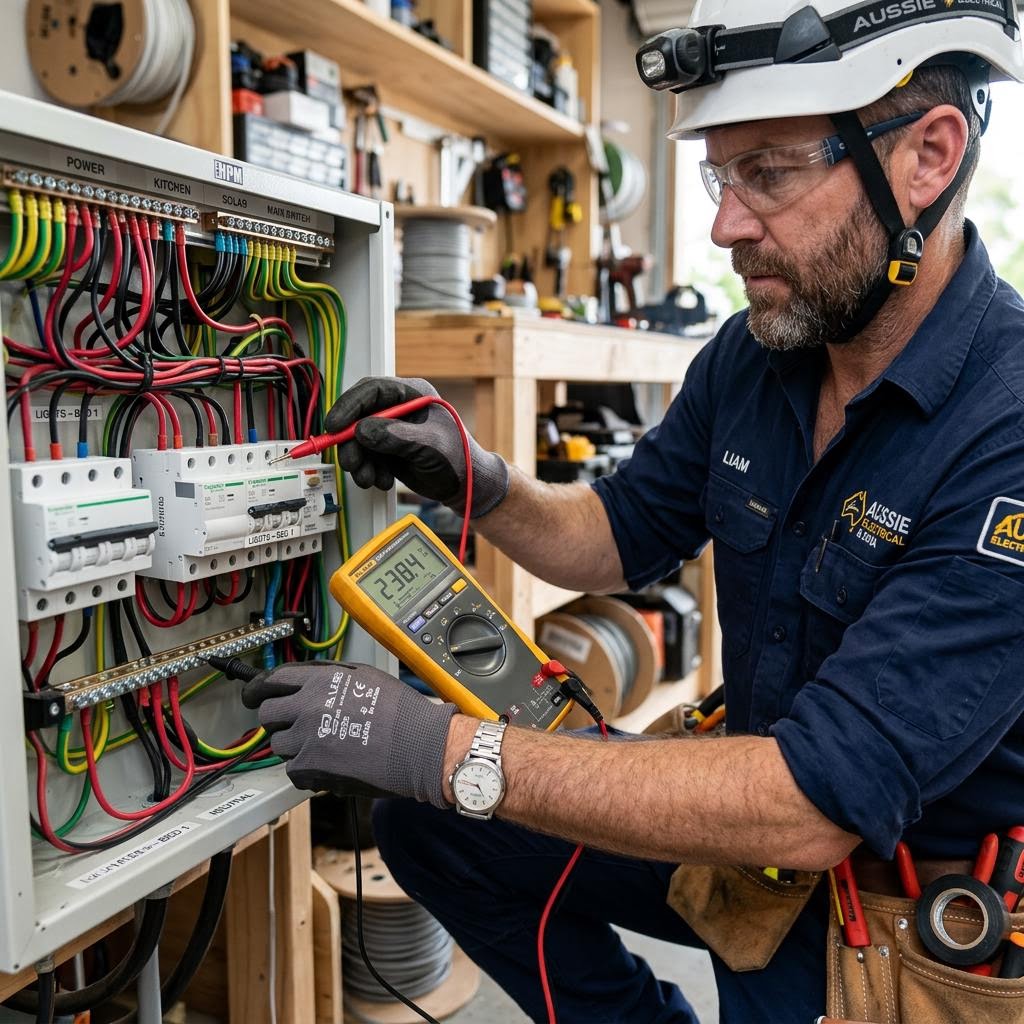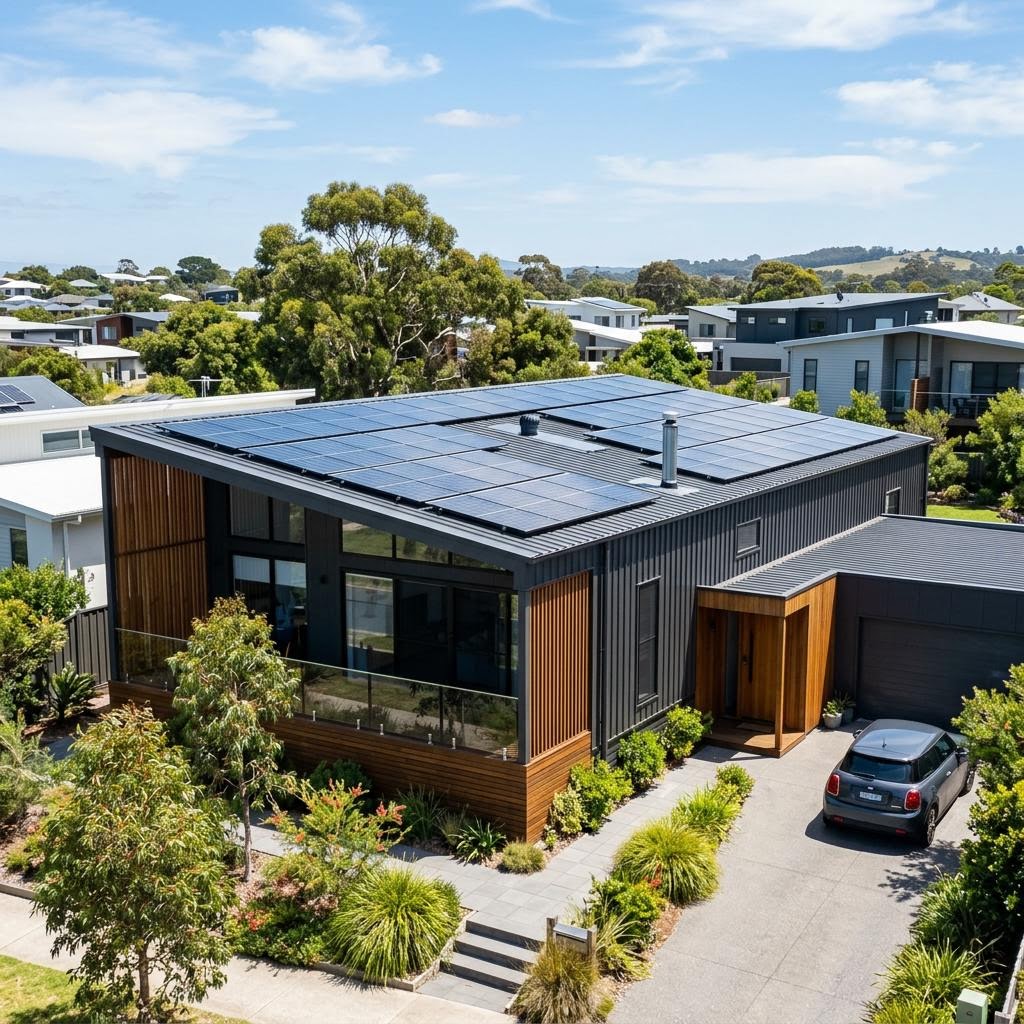
Record solar inverter messages and monitoring changes safely. Help a technician distinguish a reporting issue from a system fault without electrical resets.
A blank app or a low-generation day does not necessarily mean the inverter has failed. Monitoring communication, weather, shading and equipment faults can produce different symptoms. Useful preparation is a record of the message and circumstances, not a sequence of shutdowns and restarts. Leave electrical equipment closed and ask the installer or service team for guidance on the actual system.
Capture the exact message
If a display is safely visible, record the words or code exactly and note the time. A screenshot of the monitoring app can preserve a message that later disappears. Include whether the information is current or last updated on an earlier date. Do not open an inverter enclosure, approach damaged equipment or touch connectors to obtain a clearer photograph. A message is evidence to interpret, not a diagnosis by itself.
Separate monitoring from generation
Explain whether the issue is an app connection, an inverter warning or a change in recorded output. Mention recent router, internet or account changes. A loss of reporting does not establish that generation has stopped, and a normal-looking app does not rule out every fault. The technician may need other observations or tests. Avoid promising a repair outcome based solely on a screen reading.
Provide comparable context
Keep recent monitoring records and note weather or known shade changes. Comparing one cloudy afternoon with a clear summer day can be misleading. Tell the team about supply interruptions, storm damage or recent work on the property if relevant. Do not calculate a guaranteed production shortfall from panel capacity alone. A useful comparison uses the system design, operating conditions and a suitable period rather than one disappointing number.
Find the installation records
Gather the inverter and panel details, installer paperwork and written warranty terms. If the original installer is unavailable, provide what you have rather than inventing missing specifications. Systems with batteries or backup equipment may need a different service scope. Do not follow generic reset sequences from another brand or disconnect rooftop components. If there is smoke, a burning smell or visible electrical damage, keep clear and seek urgent assistance.
Ask what was established
Request an explanation of the fault, any limits on the inspection and the next action. Clarify whether a software, communications or equipment issue was found and what testing supports the result. Confirm when normal use can resume and whether warranty approval or a return visit is needed. Retain the report and screenshots so a recurring symptom can be assessed against the earlier finding.
For a property-specific discussion, contact our solar system repairs & maintenance team with the details you have gathered.