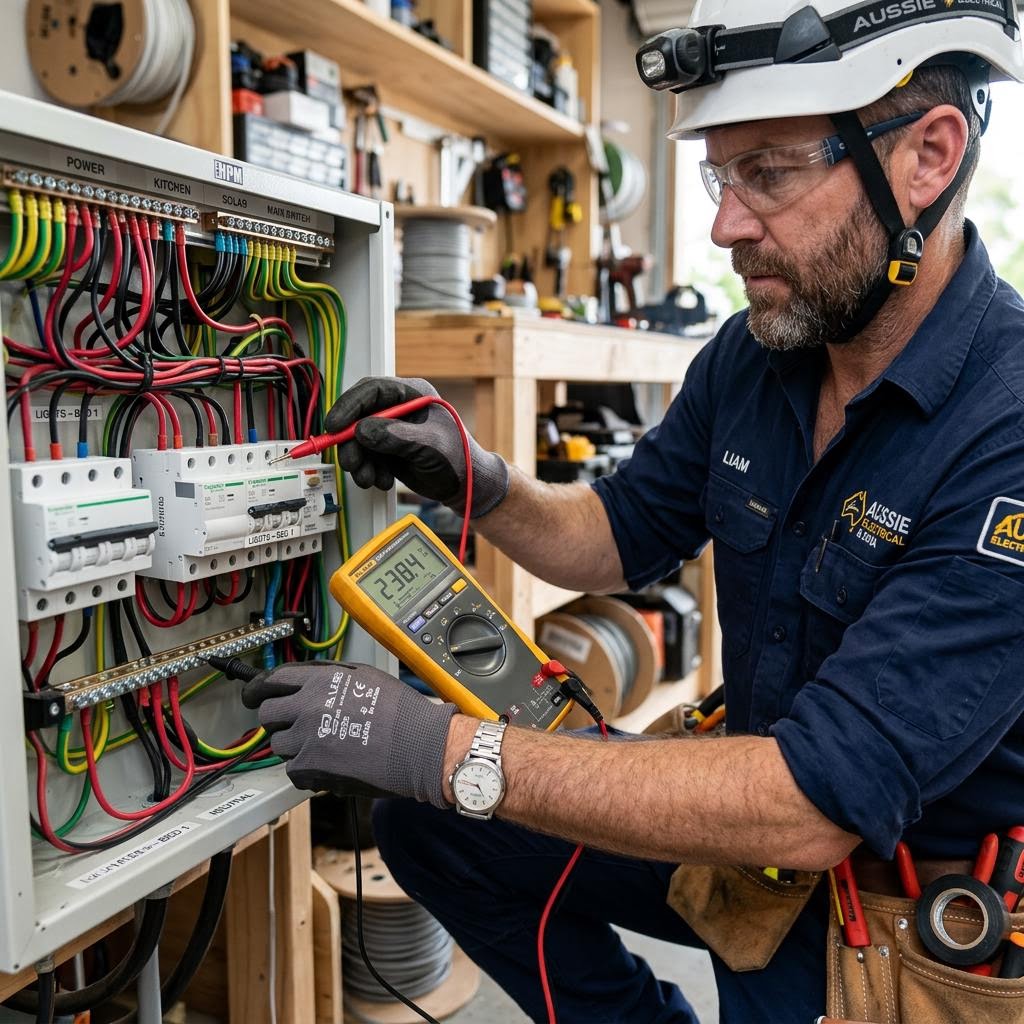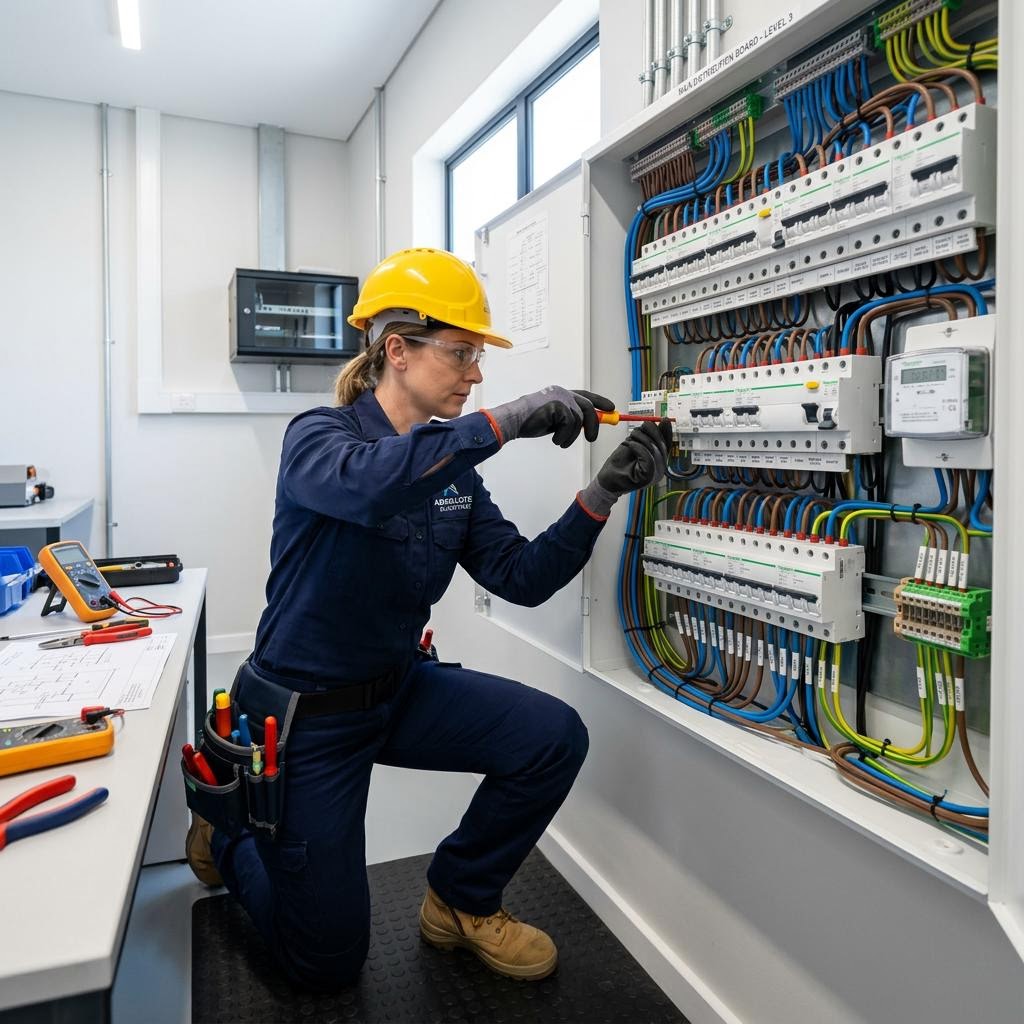
Plan data and TV points around equipment, network locations and room layouts. Clarify cabler, electrician and carrier responsibilities before work.
A useful data-point plan connects the equipment you use to the place your network actually starts. Putting a socket beside every power point is not automatically the right solution. Begin with the modem or network equipment location, rooms needing reliable connections and the route television equipment uses for its signal. Then establish which professional is responsible for each part.
Map devices and destinations
Draw the home and mark desks, televisions, streaming devices and any other equipment requiring a connection. Note whether furniture might move and which devices currently rely on Wi-Fi. A wired connection may suit a fixed work desk while portable devices still need wireless coverage. Record the provider connection location and existing network cabinet if known, without opening enclosures or disconnecting carrier equipment.
Distinguish network and television needs
An antenna outlet, a network data socket and a power outlet perform different jobs. Ask which connections the actual television and associated equipment need rather than requesting “a TV point” without explanation. Include wall-mounted screens, concealed cabinets and where power supplies will sit. A new socket alone cannot guarantee faster internet: service plans, network equipment and the connection beyond your property also affect performance.
Clarify professional boundaries
ACMA explains that registered cablers work on network-connected home and office cabling. Electrical supply work needs the appropriate electrician, while some connection tasks remain with the telecommunications carrier. Ask the booking team to identify those responsibilities in the quote. Registration and electrical licensing are not interchangeable. Do not run concealed communications cable yourself on the assumption that low voltage means there are no rules.
Allow for practical access
Discuss wall construction, existing conduits, cabinetry and access between floors. In an apartment, shared risers and common property can require building approval and coordinated access. Tell the cabler about known suspect materials before any penetrations. Agree who patches openings and labels the completed points. Where several cables meet, include ventilation, usable space and access for the network equipment rather than hiding everything in an inaccessible cupboard.
Request a clear handover
Ask for a point schedule showing where each connection ends, how it is labelled and what testing and documentation are included. Keep model details and the cabling records together. Check the agreed outlets using the intended equipment at handover, while recognising that an internet-service fault may need the provider. A documented layout makes later equipment changes easier to discuss without guessing which socket leads where.
For a property-specific discussion, contact our data & tv points team with the details you have gathered.